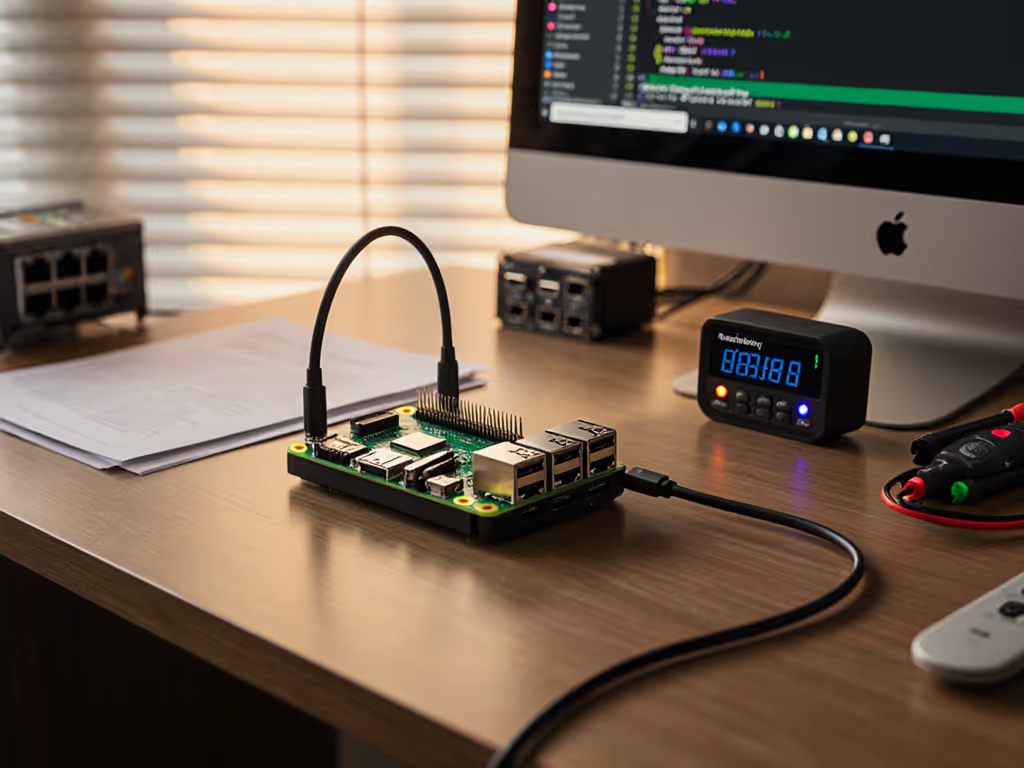
Learn how to pair Thunderbolt 4 docks, cables, and power budgets with Jetson, Coral, and Movidius to prevent bottlenecks and ensure stable edge AI work.
Compare five Zoom-certified dock types with specs that matter: power, display stability, OS support, and lifecycle, so IT can standardize kits and cut tickets.
Diagnose and harden multi-camera creator docks with repeatable stress tests, firmware tuning, power validation, and proven profiles for stable streams.
Learn the docking security features that actually reduce risk - signed firmware, MAC passthrough, hardware isolation - and how standardization slashes tickets.
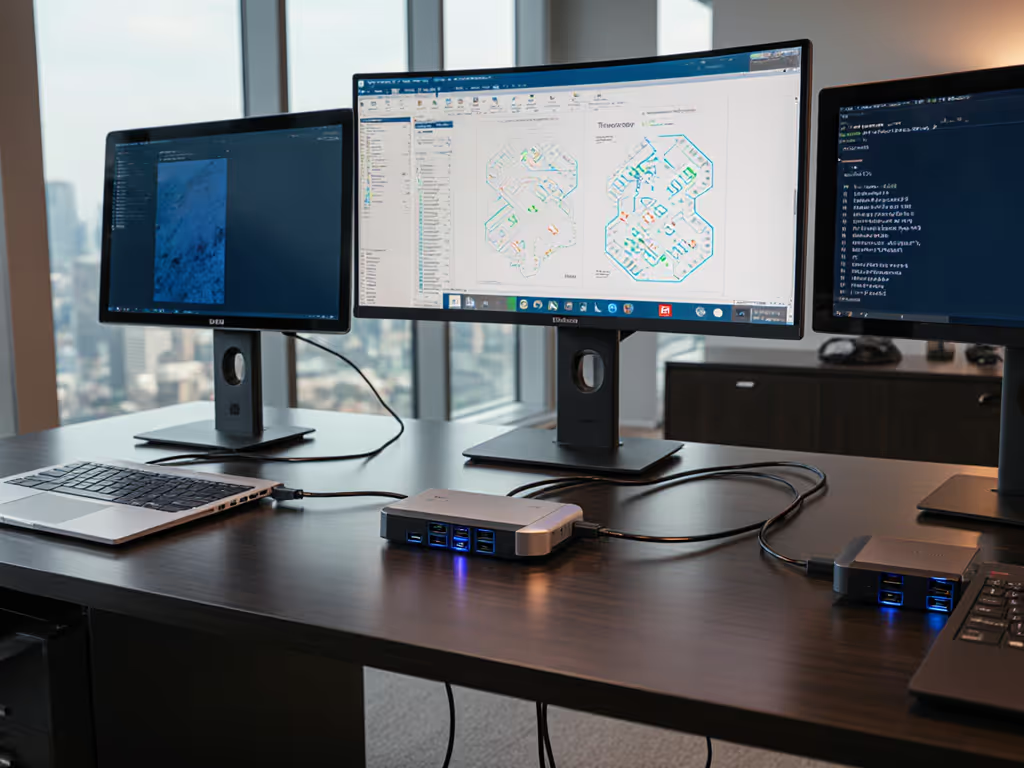
Learn how bandwidth math, DSC, and certification determine dual-4K stability, when to choose Thunderbolt 4 over USB4, and how to prevent deployment surprises.
Learn seven human-centered steps to design classroom docking stations that cut support tickets, standardize connections, and keep learning uninterrupted.
Standardize vertical docks to save desk space, improve Windows/macOS/Linux reliability, and cut tickets. Get key criteria, top picks, and a 30-day plan.
Learn how USB4 Gen 3 80Gbps enables sustained multi-monitor docking, what specs actually matter, and the tests, cables, and firmware to verify before rollout.